
Where the hours go
People keep the timesheet — and people argue about it
As long as arrivals are written in a notebook or an Excel file, the company has no facts. It has the site manager’s version and the employee’s version, and at month end they do not match.

They clock in for each other
A card or a badge can be handed over. A face cannot: the employee has to physically stand in front of the terminal.
The month is closed by hand
Exports from every site are merged into one file manually. A full day of accounting work, and mistakes that are guaranteed.
A shift across midnight breaks the maths
In at 22:00, out at 07:00 — for most systems that is two separate days with zero hours in each.
Nobody counts the late minutes
Without a shift schedule there is no reference point: the minutes are invisible and discipline rests on what the manager remembers.
What’s inside
The administrator’s working day takes five minutes
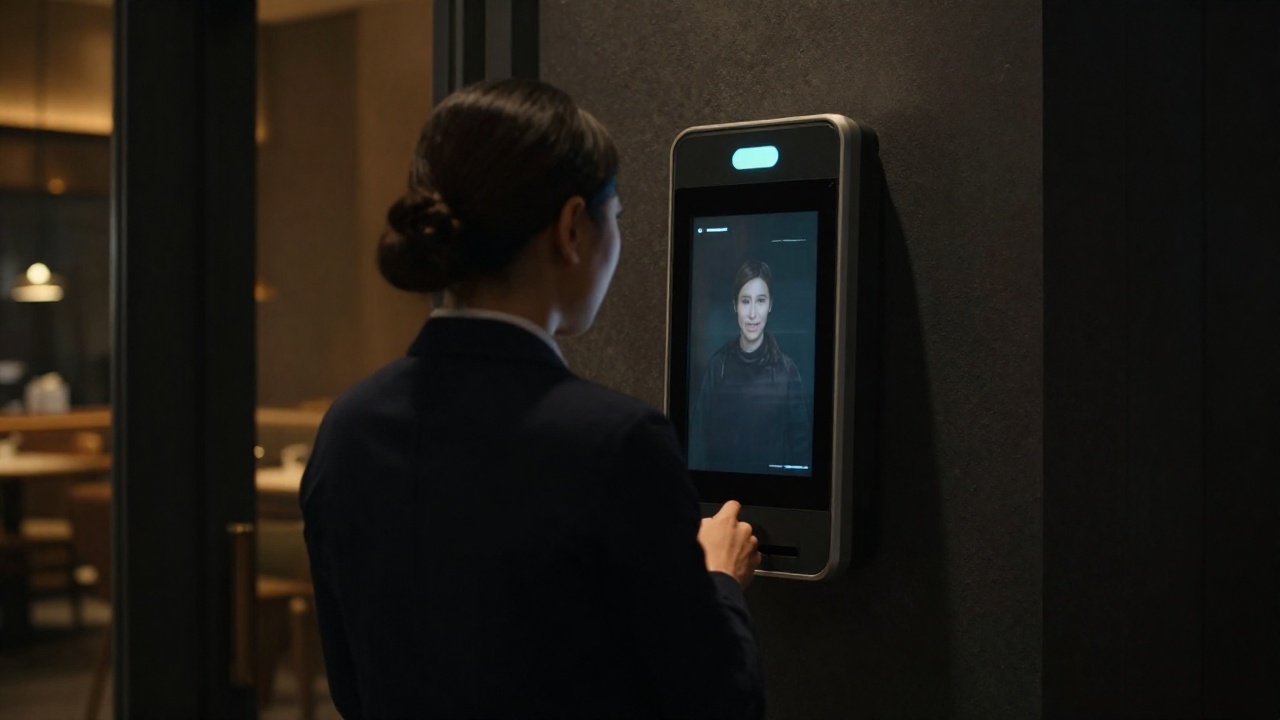
Enrolment with a face photo
An employee is created once and pushed to the terminals that need them. For every device you see the state: synced, queued or failed.
Terminals in groups
Devices are grouped by location. A new employee can be sent to every terminal on a site with one button.
Shifts and assignments
A schedule by weekday, and an assignment of an employee to a shift with start and end dates. Lateness is measured against it.
Night shifts and forgotten exits
A session across midnight is counted as a whole. If the exit was never recorded, a warning goes to Telegram at midnight and a minute later the system closes the day itself.
Telegram instead of email
The daily report arrives in the work chat at 18:00 Baku time. No separate mailbox for a line manager.
Roles and single sign-on
Users sign in through corporate SSO and the role is checked on every request — revoking access takes effect immediately, not after the next login.
Integrations
We work with the hardware you already have
The calculation core is vendor-independent. Only the way events arrive differs — hours, shifts and reports are computed the same way.
Your existing hardware
We work with terminals from the common manufacturers — the ones already mounted on your site. An employee is created once in the system and appears on the right devices; the state of each is visible from the web interface. Running in a service company’s platform: several sites and field crews in one timesheet.
- Employees and their photos are enrolled from the system, not from the terminal
- Reconciling who is actually enrolled on a device against the database
- Diagnosing and restarting a device without a site visit
- Different generations of the same brand, with no manual fitting
A mixed fleet
Devices from different brands come together in a single timesheet: hours, shifts and reports are computed the same way regardless of who made the terminal. Built into the corporate portal — we switch it on at a site once the terminals are reachable.
- Two manufacturers in one timesheet — not a separate report per brand
- Re-sending the same events never doubles the hours
- Sites without a dedicated link — the terminals never face outward
Custom solutions
Where a terminal cannot or need not be installed, another device records the event — or an app takes over its role.
- Mobile app: check-in with geolocation tied to a site — for field crews and locations without a terminal
- Our own devices built on a camera and a single-board computer — for a non-standard passage, a warehouse or a till area
- Computer vision for a specific task: we are already building video reconciliation of actions at the till
- Integration with existing access control systems and turnstiles over their own protocols
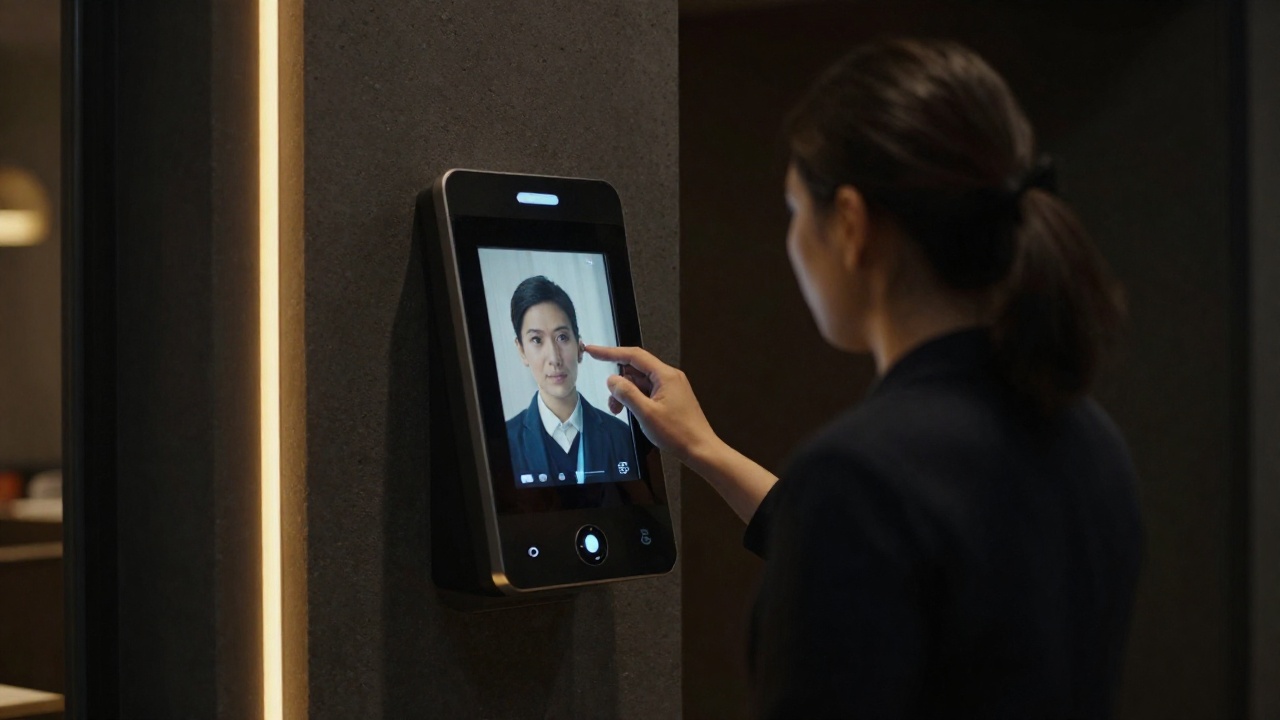
Perimeter
The terminals never face the internet
Biometrics and attendance logs are sensitive data. The topology is built so that the device on the wall is unreachable from outside at all.
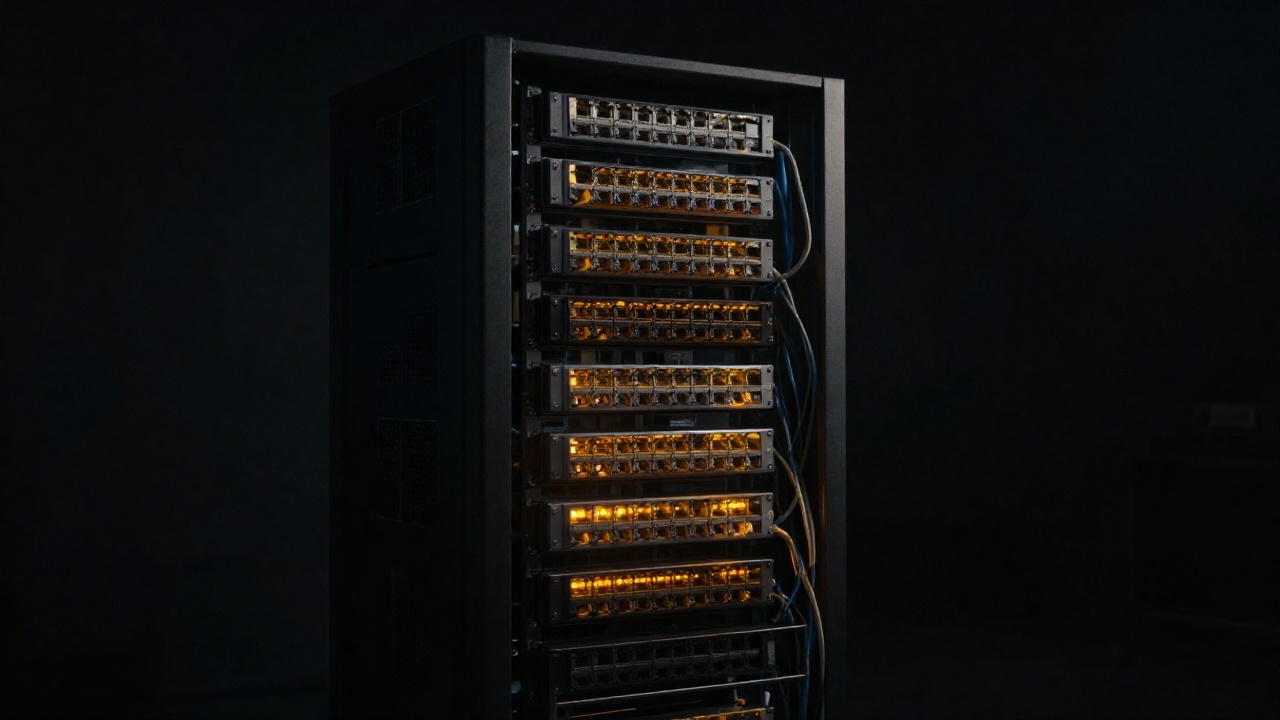
A closed tunnel to the site
Server and terminals are linked by an encrypted tunnel. The devices have no public address and no forwarded ports — from outside they are invisible.
Device passwords are encrypted
Terminal credentials are stored encrypted in the database, not as a line in a config file. Access to the database alone does not grant access to the hardware.
The role is checked on every request
Permissions come from corporate SSO at the moment of the request. Another site’s reports and administrative operations are blocked server-side, not by hiding a button.
Your server or ours
Deployed in Docker: on a European VPS, in the customer’s cloud, or on a machine inside the company perimeter. Data never leaves the chosen boundary.