
Back to projects

Sci-Fi · Product

CleanObject

Who was on site, what they did and what they skipped. A route across points, before-and-after photos, and missed points visible the same day — not in the client’s complaint.

A route across pointsBefore and after photosMissed points surface at once

How it works without control

There is a report — whether anyone was on site is unknown

Field work is verified on someone’s word: the foreman reports it is all done. The first real inspector is an unhappy client, and they arrive late.
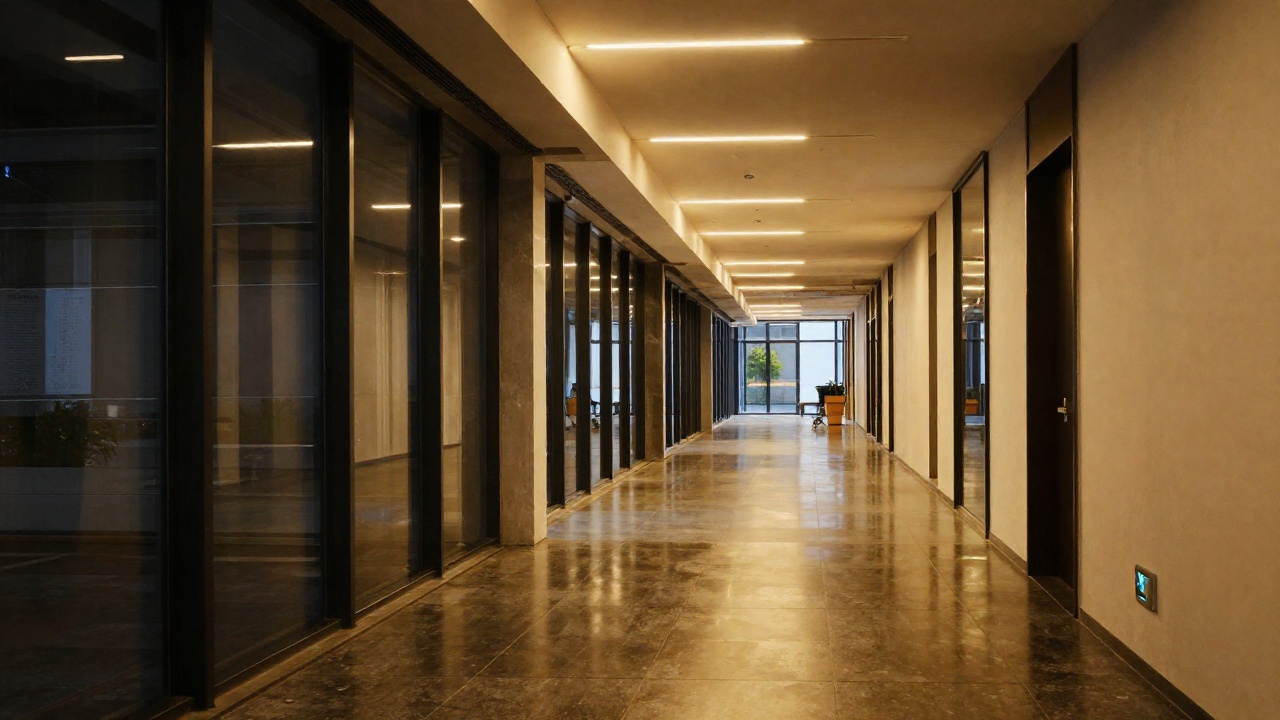
An empty office corridor at night after cleaning, light reflecting off the floor
Presence

A tick proves nothing

A checkmark in a chat or a signature in a logbook can be produced anywhere. There is no way to verify anyone was on site.

Misses

A skipped point stays invisible

Ten addresses in the route, one line in the report: “done”. Which point was skipped only emerges from a complaint.

Quality

An argument without evidence

“Not cleaned” against “cleaned” is word against word. Without a before-and-after shot it comes down to who the manager believes.

Reporting

Nothing to show the client

The site summary is assembled by hand from photos in a messenger. It costs a day, and part of the material is already lost.

How it works

From assigning the route to the client’s report

The worker operates from a phone; the dispatcher sees the whole picture. No separate end-of-shift reports — they assemble from the work itself.

01

Route

Points for the shift are assigned in advance: addresses, order and deadline. The worker sees only their own.

02

Arrival

Starting work at a point is recorded together with the location — not “somewhere in the city”, but on the site itself.

03

Photos

Before and after shots are taken in the app. Each photo carries its site, time and author.

04

Closing

A point closes only when the work is evidenced. Anything left open past the deadline is flagged as missed.

05

Report

A finished document with photos is assembled per site and period — ready to send to the client without manual work.

Before / aftereach point is closed by a pair of photos, not by a word
Locationthe check-in carries a position — the work happened on site
Missesunfinished points flag themselves, with no reminders
Reportthe client document is built from the work that was done

What’s inside

A tool for people who work with their hands
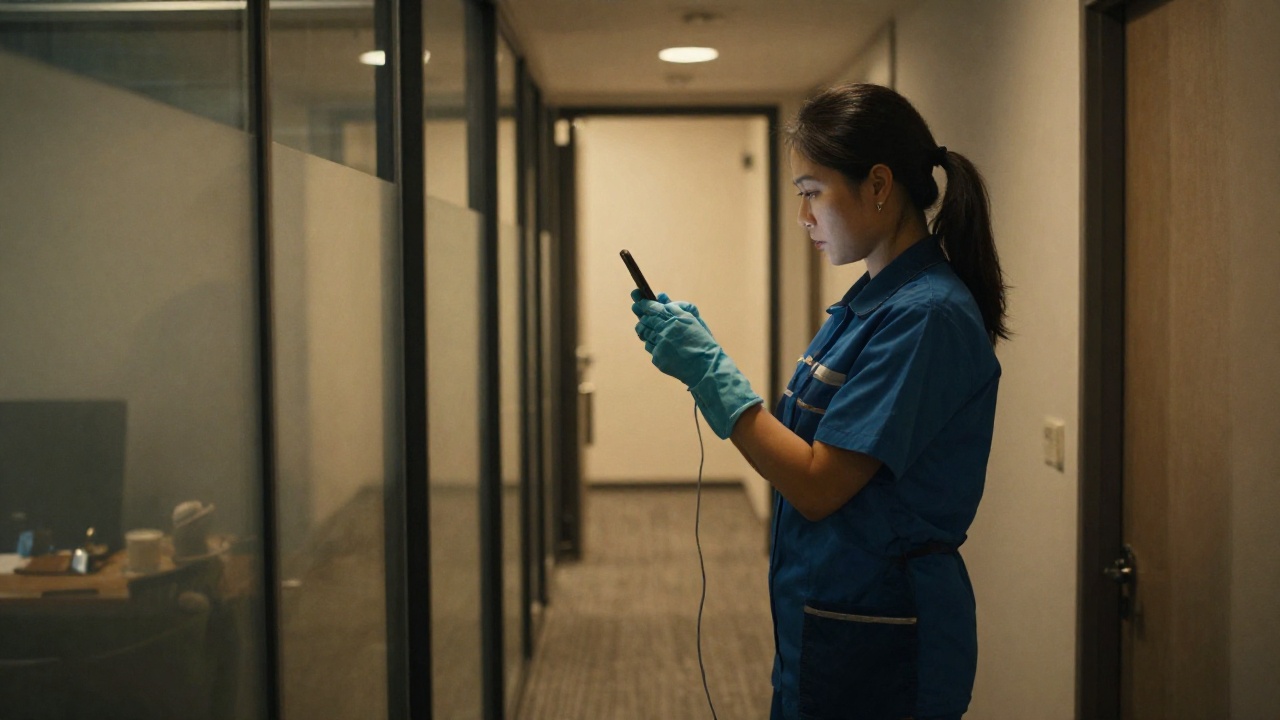
A worker in uniform photographing a room with a phone
Sites

Building, floor, room

The site structure mirrors reality: from a branch down to a specific room. The report can be read at any level.

Phone

No training needed

A worker needs only a phone: open the point, shoot before and after, close it. No app to install, no course to attend.

Evidence

A photo that signs itself

Date, time and site are stamped onto the picture — last week’s shot cannot pass for today’s.

Cross-check

Where they checked in and where they shot

The system compares the check-in location with where the photo was taken. A mismatch reaches the manager instead of hiding between the lines.

Issues

A problem with a picture

A fault, dirt or damage is logged separately and with a photo — the client receives a documented fact, not a complaint.

Roles

Worker, supervisor, client

Each sees their own slice: the worker their shift tasks, the supervisor the sites, the client the outcome for their territory.

What the dispatcher sees

A whole shift on one screen

Not an end-of-day report but a live picture: where it is done, where work is in progress, where the deadline is running out. You can react before the client notices.

TimeSitePointPhotosLocationStatus
08:40Office · Khazar3rd floorbefore / aftermatchedClosed
09:15Office · KhazarLobbybefore / aftermatchedClosed
10:02Branch · YasamalService areabefore onlymatchedIn progress
11:30Branch · NasimiBack officeMissed
Discipline

Misses by person and by site

You see where a miss is a one-off and where it repeats — and who to talk to before the client calls.

For the client

A report with photos

A per-site document for a period: what was done, when, with evidence. Assembled by the system, not by a manager.

Archive

History per site

Photos and check-ins are stored against their point: a disputed case can be revisited a month later.

Where it applies

The same control across different kinds of work

The system is not about cleaning as such — it is about field work that has to be evidenced. Below: what already runs and what is configured per task.

In production

Cleaning of premises

Photo inspections by floor and room: a pair of shots closes a point, and the manager sees quality without driving over.

  • A site tree: branch, floor, room
  • Before and after photos with author and time
  • A point closes automatically once fully evidenced
  • History for every room
In production

Rounds across points

A shift route with addresses and a deadline: the system flags completed, overdue and unclosed points by itself.

  • Assigning a route to a shift and to a person
  • A check-in with the position on site
  • Cross-checking the check-in against where the photo was taken
  • Reports per site and period, with photos
Made to order

Your kind of work

Wherever completion has to be proven on site, only the checklist and the acceptance rules change.

  • Servicing equipment and machinery at locations
  • Acceptance checklists: your own set of items per site
  • Work orders for contractors with proof of completion
  • Scheduled delivery of reports to the client

Trustworthiness

A photo as a document, not as a chat message

Pictures in a messenger get lost, forwarded and re-shot. Here they are bound to a site, a time and a person — and still stand as evidence months later.

Authenticity

A photo cannot be reused

The picture is taken at the moment of work and stamped with site and time. Last year’s shot will not close today’s point.

Location

Two independent position marks

The system knows where the worker checked in and where the photo was physically taken. A mismatch becomes a question, not a guess.

Deadline

Overdue flags itself

Points left open at the end of a shift are flagged by the system. Nobody “forgets” to record a miss after the fact.

Storage

The archive is yours

Photos and reports are stored inside your own boundary. Access to other clients’ sites is closed at the server.

Next step

One site and one shift already show the difference

It is enough to set up the site structure and a shift route. On the very first day you see how many points close with evidence and how many close on someone’s word.

Step 1

Sites

We set up the structure: branches, floors, rooms and the points of the round.

Step 2

Shift

We assign the route, the workers operate from phones, the dispatcher watches the shift live.

Step 3

Reports

We add client reports, acceptance checklists and the remaining sites.

Sci-Fi · Systems built to order · Baku

CleanObject — site round control and photo inspections | Sci-Fi