
Back to projects

Sci-Fi · Product

Bookflow

Clients book themselves — at night, from Instagram, without a phone call. The specialist sees their day, the front desk sees the whole salon, and an empty slot no longer goes to waste.

Booking without a callA widget or a single linkReminders for clients

Where clients and money are lost

The client is ready to book — and nobody picks up

The decision to book arrives at an awkward moment: in the evening, at the weekend, between other things. If that moment requires a phone call and a wait, half of those clients never book at all.

A beauty salon in the evening: a styling chair in front of a warmly lit mirror
Calls

The front desk cannot be everywhere

While one client is on the phone, the next cannot get through and goes next door. A missed call is a lost booking.

Messages

Booking in DMs is manual work

“When do you have a slot?” turns into a dozen messages in a messenger and still ends with writing it into a paper diary.

Gaps

Nobody fills the empty hours

A cancellation two hours before the visit leaves a hole in the schedule: there is nobody free to ring around and fill it.

No-shows

The client forgot and never came

The booking was made a week ago and no reminder went out. The specialist idles and the slot can no longer be resold.

How it works

From a link in the profile to a filled slot

The client needs three taps and a minute. The salon needs nothing at all: the booking lands straight in the right specialist’s schedule.

01

Entry

The client opens the link from your profile or the widget on your own site. No sign-up and no app to install.

02

Choice

Specialist, service and a free slot — in the order that suits you: starting from the person or from the service area.

03

Confirmation

The slot is taken immediately, the client gets a confirmation and the salon gets an alert in its work messenger.

04

Reminder

A reminder goes out before the visit. If plans change, the client reschedules themselves instead of burning the slot.

05

History

Visits, cancellations and reschedules accumulate per client and per specialist — you can see who returns and who disappeared.

1 minutefrom a link to a confirmed booking, with no phone call
24/7people book at night and at weekends — the salon does not answer
2 channelsa widget on your site and a direct link for social media
Remindersthe client remembers the visit and the slot is not wasted

What’s inside

A schedule that behaves like a schedule
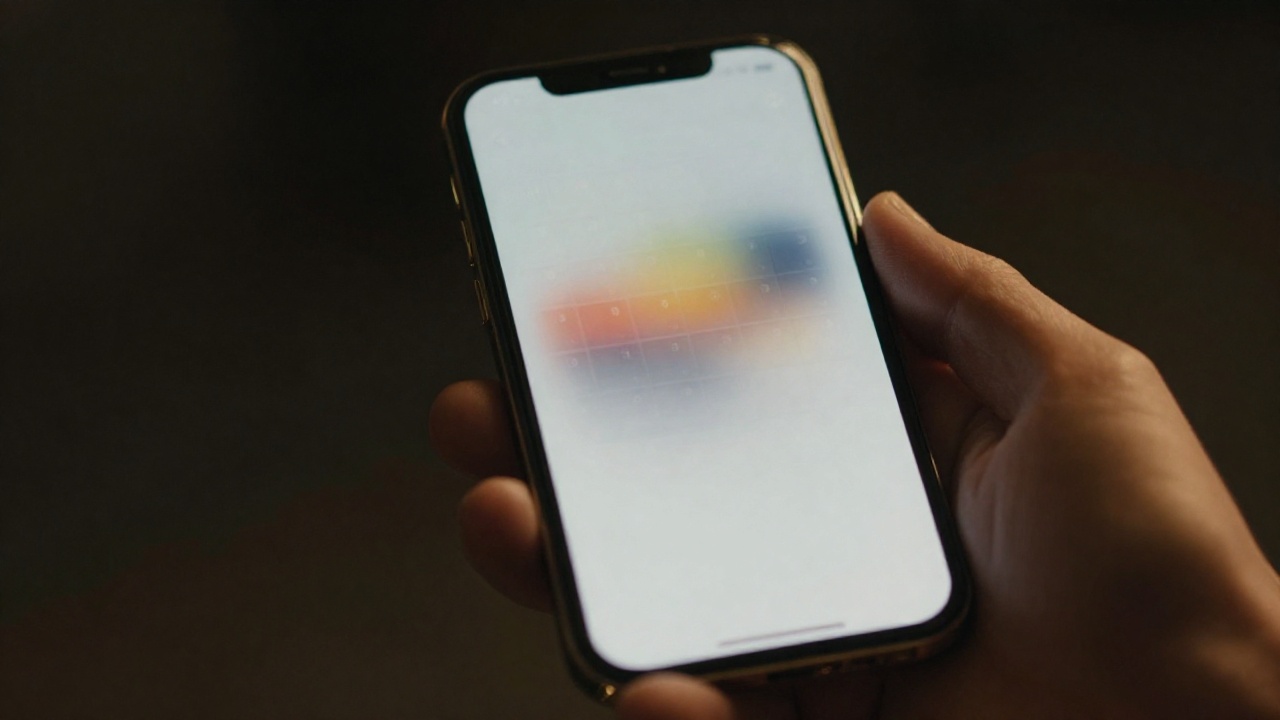
A phone in hand showing a booking calendar grid
Specialists

Everyone has their own hours

Working days, breaks, holidays and one-off exceptions. The client only ever sees genuinely free time.

Services

Duration and price

Each service takes exactly as long as it takes: the system will not squeeze a haircut into a gap that only fits a manicure.

Order

A flow that fits your business

In a salon the client picks the specialist first; in a clinic, the service area. The order of steps is configured, not imposed.

Alerts

The salon knows at once

New bookings, reschedules and cancellations arrive in your work messenger. Nobody has to watch a dashboard.

Clients

Visit history

For every client you can see who they go to, how often and what they order — the basis for repeat business.

Languages

The form in the client’s language

Booking opens in Russian or Azerbaijani, so nobody has to decipher an interface in a foreign language.

What the front desk sees

The salon’s day on one screen

Who is coming and when, to which specialist and for what. Free gaps are visible immediately — you can offer them to whoever is on the phone.

TimeSpecialistServiceClientChannelStatus
10:00LeylaHaircutNewInstagramConfirmed
11:30LeylaColouringReturningWebsiteConfirmed
13:00NigarManicureReturningWebsiteRescheduled
15:00Nigar— freeOpen slot
Utilisation

Who is booked out and who idles

Occupancy by specialist and by day: where you are short-handed and where working hours go to waste.

Channels

Where clients come from

Website, social media, a direct link — you can see which channel brings bookings and which only brings views.

Returns

Who comes back

Visit history shows regulars and those who dropped off — something concrete to work with in campaigns.

How it is set up

One evening to the first online booking

The system is live and available to demonstrate. Below: what starts working immediately and what is configured per venue.

In production

Booking for the client

A booking page in two languages: specialist, service, free time and a confirmation — no sign-up, no app.

  • A link for your social profile and for campaigns
  • A widget embedded straight into your own site
  • Free time computed from the specialist’s hours and the service duration
  • Rescheduling and cancelling without calling the front desk
In production

The venue panel

Schedule, specialists, services and clients in one place, with an alert for every booking.

  • Day, week and occupancy per specialist
  • Working hours, breaks, holidays and one-off exceptions
  • Booking alerts into your work messenger
  • Several branches in one system
Made to order

For your business

From there booking grows into what your field needs — from prepayment to integration with your own systems.

  • Online prepayment or a deposit for the visit
  • Clinics: service area, specialist and pre-visit preparation
  • Reminders and campaigns across your client base
  • Passing bookings into your accounting system or CRM

Trustworthiness

Two bookings for the same slot cannot happen

Online booking only makes sense if the schedule can be trusted. So what matters more than pretty screens is what happens when two people tap “book” at the same second.

Slots

Taken means taken

The slot is locked at the moment of confirmation. The second client sees it as busy instead of creating a clash in the diary.

Hours

Time off is visible immediately

A day off, a break or a holiday removes the time from booking automatically — no apologetic phone calls afterwards.

Data

The client base is yours

Contacts and visit history belong to the venue and live in your system, not in a third-party service that charges you for access to them.

Branches

Everyone sees their own

Across a network the schedules and clients are separated: a branch works with its own, the owner sees everything.

Next step

Add specialists and services — and open the booking

To start you need a list of services with durations and the specialists’ working hours. The link can go into your profile the same day.

Step 1

Setup

We enter the specialists, the services with durations and the working hours.

Step 2

Launch

The link goes into social media, the widget onto your site, alerts to the front desk.

Step 3

Growth

Reminders, prepayment, a second branch and passing bookings into your systems.

Sci-Fi · Systems built to order · Baku

Bookflow — online booking for services and specialists | Sci-Fi