Back to projects

Sci-Fi · Product

AI Vision

A camera that knows what happens at the till: how much was handed over, by whom and when. Counting, tracking, action analytics and theft detection — on your own site.

Recognition on siteEvery event with a clipFootage stays off the internet

Where the money leaks

The till knows about the sale. Nobody knows about what left without one

Goods leaving with the customer is a physical event. The receipt is an event in a system. While nobody matches the two, the gap between them is the loss — and its size is unknown to the company.
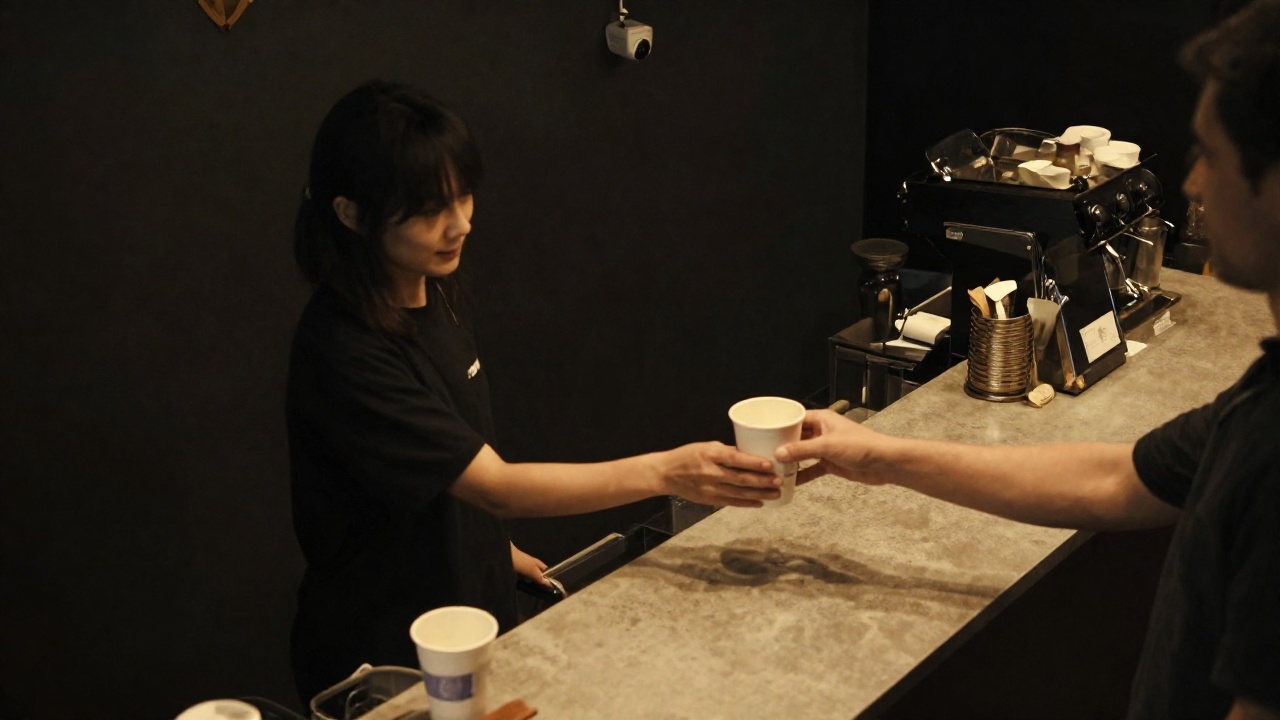
A coffee shop counter: a barista handing a cup across, a camera above the till
Hand-over

Given without a receipt

A cup, a portion, an item went to the customer and the sale was never rung up. One case is invisible; a habit only shows at month end, in the stock count.

Footage

Recordings exist, nobody reviews them

Cameras record around the clock. Finding a single episode costs a person hours — and they are still looking blind.

Stock

The gap surfaces too late

A shortfall appears weeks later. Who, when, and on which shift can no longer be reconstructed.

Load

Peaks are known by feel

How many hand-overs an hour there really are, when the queue forms, where the bottleneck is — decided by impression, not by numbers.

How it works

From a camera frame to an event in the system

No “someone will review it later”. Every frame is processed on site, and what reaches the server is a finished event — with its time, zone and direction.

01

Frame

A stream from an ordinary security camera. No special camera is needed — the one already on the wall usually fits.

02

Detection

A neural network runs on an accelerator right on site and finds the object in frame. Nothing is sent to a cloud for recognition.

03

Tracking

The object is followed between frames, so the same cup is never counted twice — even when a hand briefly covers it.

04

Direction

Crossing the zone line separates a hand-over from a return, so only what actually left is counted.

05

Event

Time, zone and direction go to the server. If the link drops, events queue on the device and are delivered later.

Secondsfrom a hand-over at the till to a line in the event feed
1 cameraper till area — usually the one already installed
Events onlythe server receives the fact, not the video stream
Offline-safea shift is never lost: events queue and are delivered later

What’s inside

Not “a camera with AI” — a counter you can argue with
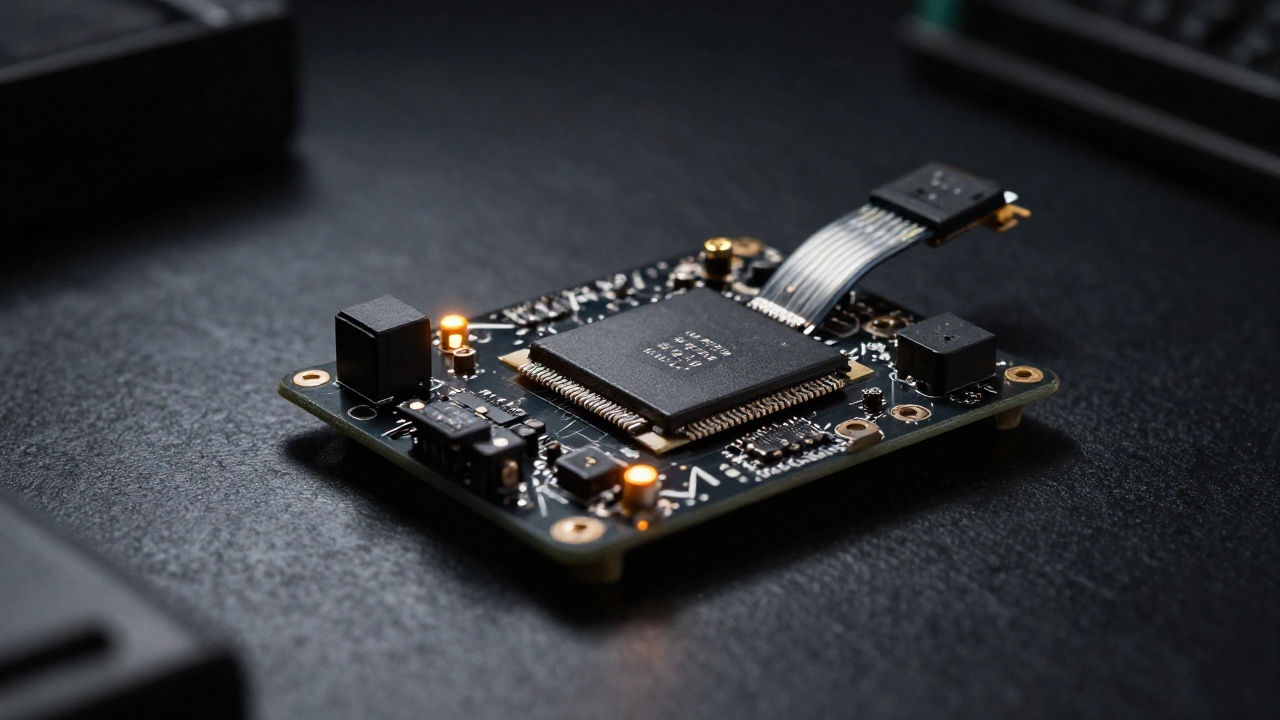
A compact recognition device in a black enclosure next to the camera
Counting

Separate counters

The system distinguishes object types and counts only what belongs to a sale. The rest it sees but excludes — and that is visible on screen.

Zones

A line and a direction

The hand-over zone is mapped to a specific till. Crossing the line one way is a hand-over, the other way a return.

Live view

Shift monitor

Live video with detection boxes and counters. The operator can see that the system counts exactly what it should.

Evidence

A clip attached to the event

For any disputed event the system pulls the matching segment from the recorder by timestamp — no manual searching.

Review

A second look at the doubtful

Uncertain frames are re-checked by a separate model on our server instead of being dumped on a person in bulk.

Autonomy

A dropped link loses nothing

The on-site device keeps a queue of events and delivers it once the channel is back. A shift never falls out of the report.

What the manager sees

An event feed instead of hours of rewinding

Every line is a physical event with an exact time and zone. Disputed ones carry a video clip: a review takes a minute, not an evening.

TimeZoneEventTrackClipStatus
08:14:22Till 1Hand-over#4193yesNormal
08:16:03Till 1Hand-over#4197yesNormal
08:16:41Till 2Returned to zone#4198yesNot counted
08:21:57Till 1Hand-over#4206yesFor review
Shift

Totals by till and by hour

How much left during a shift, how it spread across the hours, where the peak sits. Data accumulates from day one.

Review

Disputed items in their own list

Events the system is unsure about are queued for review with the video clip already attached.

Data

Export and integration

Events are available programmatically: your stock system, BI or a file export pulls them directly — no manual copying.

What we connect

We start with the cameras already on the wall

The counting scenario is configured per site. Below is the honest status: what already runs in our production, what is built and switched on at the site, and what we build for a specific task.

In production

Cameras and recorder

Ordinary security cameras and the recorder’s footage: the system pulls the right segment by the event’s timestamp itself.

  • Works with an existing camera, no hardware replacement
  • A recording segment by event time — straight from the recorder
  • A compact device on site, next to the camera
  • Zone mapping for a specific till or passage
Built, switched on at the site

Matching against the till

Matching a hand-over event to a POS receipt: an unmatched hand-over becomes a “given without a receipt” signal. The mechanism is built and waits for access to the POS on site.

  • Reading receipts from the POS cloud API
  • Matching by time and location
  • An alert for a hand-over with no receipt — with the video clip
  • A discrepancy report per shift and per period
Made to order

Other scenarios

The core is not tied to cups. The counted object and the zone rule change — everything else stays the same.

  • Counting other goods at a service point, a warehouse or a line
  • Action analytics: queueing, idle time, a broken route
  • Zone control: entering a restricted area, an item left behind
  • A custom device for an unusual angle or shooting conditions

Perimeter

The footage stays on site

Video of the till area and of staff faces is sensitive data. The topology is built so the stream goes nowhere and only the fact of an event leaves the site.
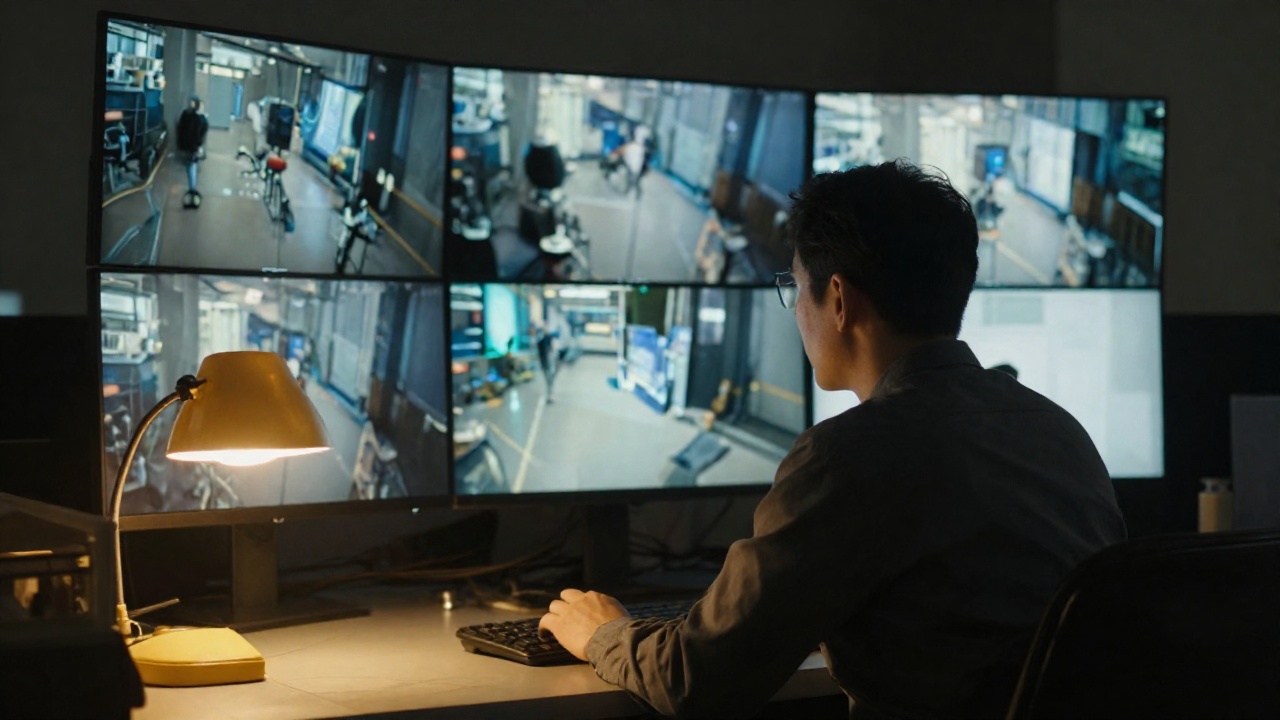
A manager in a dark office watching a monitor with a grid of security footage
Processing

Recognition happens locally

The neural network runs on a device next to the camera. Frames are not sent to external services — neither ours nor anyone else’s.

Network

A closed perimeter

Device and server are linked by an encrypted tunnel. The on-site hardware has no public ports.

Access

Roles and an audit trail

Who may view events and clips is decided by role. Access is enforced on the server, not by hiding a button.

Hosting

Your server or ours

The server side is deployed on your own hardware or a dedicated VPS. Data never leaves the chosen boundary.

Next step

One till, two weeks, an honest number

A pilot at one location answers the main question: how many hand-overs bypass the till. After that the system expands to the remaining tills and sites.

Step 1

Survey

We look at the cameras, the angle and the hand-over zone, and check whether the existing hardware is enough.

Step 2

Pilot

One till: the device, zone mapping, a live monitor and the event feed. We reconcile the count against reality by hand.

Step 3

Roll-out

The remaining tills and sites, matching against the POS, reports into your stock system.

Sci-Fi · Systems built to order · Baku

AI Vision — till-side video analytics: counting, tracking, theft | Sci-Fi