
Back to projects

Sci-Fi · Product

StockSystem

Warehouse, sites and purchasing in one window: what you have, who asked for it, what was issued and what needs buying. No parallel spreadsheets, no ordering in chats.

Live stock levelsRequest → issue → receiptEvery movement is named

What it looks like without a system

The storekeeper knows the stock. The company does not

While the warehouse lives in a notebook and in chats, every number is somebody’s recollection. The only way to verify it is a full recount, and that costs a weekend.
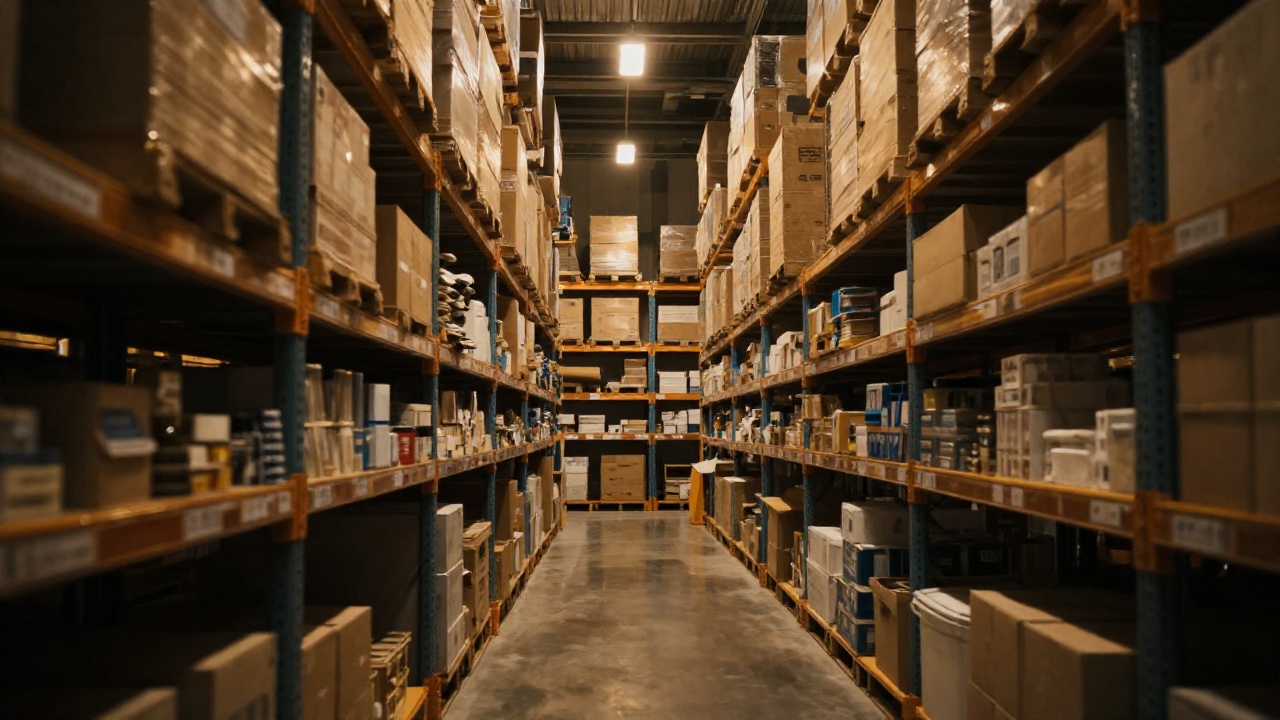
Warehouse shelving filled with boxes in dim light
Stock

Nobody knows the exact quantity

The same item is counted differently in the warehouse and on site. The truth appears only after a manual recount.

Requests

Asks get lost in chats

The site asks in a messenger, the warehouse issues from memory. Who asked for what, and what they received, cannot be reconstructed.

Purchasing

Bought urgently and expensively

You learn it has run out on the day it runs out. The order is placed in a hurry, from the first supplier, at a poor price.

Accountability

A shortfall with no author

The discrepancy surfaces months later, and by then it is impossible to say at which step the goods disappeared.

How it works

From a site’s request to a closed stock count

Every step leaves a trace: who created it, who approved it, what was actually issued. The report assembles itself because the data is entered as work happens, not at month end.

01

Request

A site asks for replenishment. The system fills in the quantity missing against the norm — nothing to calculate by hand.

02

Issue

The warehouse issues against the request and the balance drops at that moment. Issuing more than exists is not possible.

03

Purchase

A need turns into a purchase request and then into a supplier order. Prices and history per supplier are at hand.

04

Receipt

Goods received are recorded with quantity and document. A short delivery shows immediately, not at reconciliation.

05

Stock count

The count is entered, the discrepancy is calculated automatically and closed by a responsible person’s decision.

1 windowwarehouse, sites, purchasing and write-offs in one place
Namedevery movement carries an author, a time and a reason
Normsrequests fill themselves up to the configured limit
Excel · PDFreports and documents export ready to use

What’s inside

Bookkeeping that survives staff turnover

A storekeeper with a tablet checking a delivery by the shelves
Catalogue

Items and categories

One reference list instead of five names for the same thing. Imported from your spreadsheet rather than retyped.

Sites

Each location has its own stock

Balances are kept separately for the warehouse and for every site. A site manager sees their own; management sees everything.

Norms

Limits and templates

A stock norm is defined for typical sites. A new location gets the whole set in one action instead of a list in a chat.

Suppliers

Prices and history

Price and delivery history are kept per supplier — you can see who is expensive and who misses deadlines.

Write-offs

Consumption with a reason

Damaged, used, lost — a write-off is recorded with its reason and author instead of dissolving into the balance.

Access

Roles and an activity log

Storekeeper, supervisor, accountant, manager — each sees their own scope. Every change stays in the log.

What the manager sees

Stock movement as a line, not as a memory

Any number can be opened down to a specific action: who, when, against which request, how much. An argument about a shortfall becomes reading the log.

DateSiteOperationLinesAuthorStatus
03.09KhazarReplenishment request14SupervisorIssued
03.09WarehouseGoods received32StorekeeperAccepted
04.09YasamalReplenishment request9SupervisorPartial
05.09KhazarWrite-off3ManagerWith a reason
Levels

What is running out

Items below the norm gather in their own list — purchasing is planned in advance, not on the day the shelf is empty.

Consumption

How much a site burns through

You can see which location exceeds the norm and on exactly what. The conversation with the site rests on numbers.

Documents

Printable forms

Requests, delivery notes and acts export as finished files — ready to sign and attach to a report.

How we roll it out

We build on your process instead of breaking it

The system is live with a client and runs across a network of sites. Below: what is included from the start and what is configured for your specifics.

In production

Warehouse and sites

Balances, requests from locations, issuing, write-offs and stock counts. Everything needed to close a month without a manual recount.

  • Separate balances for the warehouse and for each site
  • Requests that fill themselves up to the stock norm
  • Issuing that cannot push a balance below zero
  • Stock counts with discrepancies calculated automatically
In production

Purchasing and suppliers

The full path from a need to goods on the shelf, with prices and history for every supplier.

  • A purchase request and a supplier order
  • Receipt that records short deliveries
  • Price history: who raised the price and when
  • Reports and printable forms in Excel and PDF
Made to order

Your specifics

From there the system adapts to your industry: what to count, how to approve it and where the data goes next.

  • Approval routed through your own chain of responsibility
  • Barcodes and a scanner instead of typing item lines
  • Handing data over to accounting or your ERP
  • Alerts to the right people: stock running out, deadline missed

Trustworthiness

A number you can trust — and can challenge

A stock system is useful exactly as far as people trust it. What matters is not the reports but the fact that every number rests on a verifiable action.

Integrity

Issuing never drives stock negative

Deduction from the warehouse and receipt at the site happen as one operation: half a movement cannot be left unrecorded.

History

A log instead of explanations

Every change is stored with its author and time. What happened between two stock counts can always be reconstructed.

Permissions

You only see your own

A site manager does not see other locations, and a storekeeper does not change prices. Restrictions live on the server, not on buttons.

Hosting

Your server or ours

Deployed inside your infrastructure or on a dedicated server. Purchasing data never leaves the chosen boundary.

Next step

One warehouse and two sites are enough to start

Roll-out begins with importing your catalogue and the norms per site. Two weeks later the real consumption — and what used to go missing — is visible.

Step 1

Catalogue

We import items and sites from your spreadsheet and set the stock norms.

Step 2

Pilot

The warehouse and two sites work in the system: requests, issuing, the first stock count.

Step 3

Roll-out

The remaining sites, purchasing with suppliers, export into accounting.

Sci-Fi · Systems built to order · Baku

StockSystem — stock control and procurement for multi-site operations | Sci-Fi